Cognitive operating system
Better with headphonesA place to plan
without switching apps.
Canvases, pages, databases and a focus timer that live inside each other. Choose logical or creative thinking, and BrainSwitchs shapes the workspace around your task.
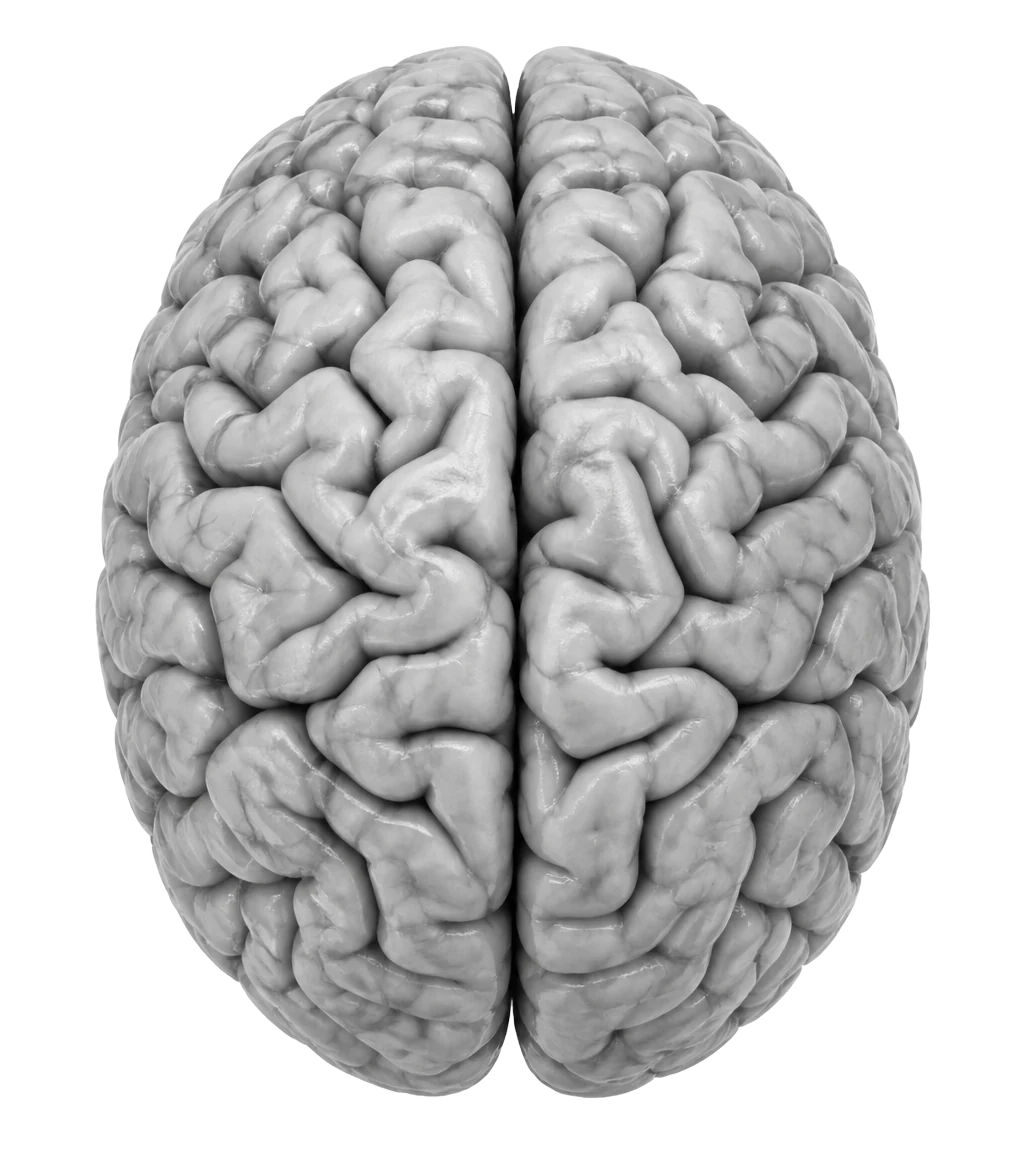
Select a hemisphere to begin
One tab instead of ten
The product
One project. Every way of thinking.
Why now?
Three customers asked for exports this month.
This week
Decision Gate
"Ship exports to paid plans first. Review in two weeks."
An infinite canvas with notes, checklists, sheets, charts and arrows.
What no other app does
A canvas inside a page. A page inside a canvas.
Notion gives you pages. Miro gives you boards. In BrainSwitchs they nest both ways, as deep as you like. Drop a live canvas into the middle of a document, or open any sticky note on a board as a full page.
Product strategy, 2026
612 words · 3 min read · Edited by you
We sell to small teams first. Below is the map we drew on Monday, still live. Drag anything in it and the canvas updates everywhere.
Page
Interview notes
Everyone mentioned exports. Two people asked for a calendar. Nobody cared about themes.
Database
Sub-canvas
Pricing experiments
Open
Nest without limits
Page → canvas → page → canvas. Go as deep as the idea needs.
Many pages, many boards
Unlimited canvases and pages per project, grouped into notebooks.
Always in sync
The same canvas or database can appear in many places. Edit one, all update.
Try it right here
Go on, move things around.
This is a tiny piece of the real canvas. Drag the notes, double-click to add one, and flip between Logical and Creative.
Two modes
Planning and dreaming need different rooms.
When you mix them, you either over-plan ideas until they die, or keep generating ideas and never decide. So you pick one before you start.
Left · 16 Hz Beta
Logical
Budgets, specs, studying, research, decisions. A sharper, structured look so tables and checklists stand out.
Right · 10 Hz Alpha
Creative
Ideas, writing, sketching, naming, exploring. A softer look with rounder notes and more room to wander.
Your second brain, literally
See how your ideas connect.
Every project is a node. Every shared topic is a pathway. The Network view turns months of notes into a map you can explore, and Patterns shows where your work clusters on the brain.
BrainSwitchs vs ObsidianLogical · Studying
16 Hz focus tone · headphones on
Know where your hours went.
Sprints, Tracker sessions and planned tasks land on one Timeline, with a line for now. Black for logical, white for creative.
What's inside
Everything a thinking day needs.
Infinite canvas
Sticky notes, checklists, shapes, arrows, frames, images and a pen. Unlimited canvases, and canvases inside canvases.
Pages and notebooks
A calm editor with a / menu, covers, nested pages and notebooks. Export to Word or Markdown.
Databases
Table, board, calendar, timeline, gallery and chart views. Relations and formulas included.
Sheets
A spreadsheet block that understands =SUM, =AVERAGE and friends, right on your canvas.
Sprints and Tracker
25 or 50 minute sprints, plus a Tracker for focus that happens away from the screen.
Focus sound
A gentle 16 Hz or 10 Hz tone matched to your mode. One sound, everywhere, never restarting.
Thinking Protocols
First Principles, Inversion, 5 Whys and more, laid out as blocks ready to fill in.
Capture and Scratchpad
Cmd/Ctrl+Space saves a thought in two seconds. Alt+S opens a notepad.
Network and Patterns
Projects become nodes and shared topics become pathways, like a map of your mind.
Your Living Brain
Each half lights up with the time you give it. Spot when you only plan, or only dream.
Timeline and Calendar
Planned tasks next to recorded sessions. Send any task to Google Calendar.
Share and export
Invite people by email or send a link. Export a clean PNG, Markdown or Word file.
How it works
Four steps, every session.
- 01
Pick a side
Tap the logical or creative half of the brain and name your project.
- 02
Think on the canvas
Drop notes, tasks, tables and pages. Use a Thinking Protocol when stuck.
- 03
Run a sprint
Start a 25 or 50 minute timer. Put on headphones for the focus tone.
- 04
Decide
When the sprint ends, write one decision or next step. It's stamped on the project.
Compare
Coming from another app?
Docs and databases
BrainSwitchs vs Notion
Notion gives you pages. BrainSwitchs gives you pages and canvases that nest inside each other: a canvas in a page, a page in a canvas.
Read comparisonLinked notes
BrainSwitchs vs Obsidian
Obsidian maps notes as a graph. BrainSwitchs maps whole projects as a neural network, and adds canvases, databases and focus tracking out of the box.
Read comparisonWhiteboards
BrainSwitchs vs Miro
Miro is canvases only. BrainSwitchs gives you unlimited canvases plus real pages, notebooks and databases in the same project.
Read comparisonNotebooks
BrainSwitchs vs OneNote
OneNote gives you notebooks. BrainSwitchs gives you notebooks, canvases, databases and a record of your focus.
Read comparisonQuick notes
BrainSwitchs vs Google Keep
Keep holds quick notes. In BrainSwitchs a quick note can grow into a full project with a canvas and pages.
Read comparisonDocuments
BrainSwitchs vs Google Docs
Google Docs gives you one page at a time. BrainSwitchs gives you many pages, notebooks and canvases you can drop into any page.
Read comparisonSpreadsheets
BrainSwitchs vs Google Sheets
Sheets is a grid. BrainSwitchs puts formulas and charts on the same canvas as the thinking behind them.
Read comparisonNote archive
BrainSwitchs vs Evernote
Evernote stores notes. BrainSwitchs turns them into decisions with a canvas, a timer and the Decision Gate.
Read comparisonWhat is BrainSwitchs?+
A workspace for thinking. Each project gives you an infinite canvas, pages for writing, databases, spreadsheet blocks, a focus timer and a calm focus sound. Before you start, you choose whether the task needs logical or creative thinking, and the workspace adjusts to it.
Which apps can it replace?+
For most personal and small-team work it covers what people usually spread across Miro or FigJam (canvas), Notion or Google Docs (pages), Notion or Airtable (databases), Google Sheets (small tables with formulas), Google Keep or Apple Notes (quick capture), OneNote or Evernote (notebooks) and a separate focus timer. Big enterprise setups may still need the specialist tool.
How do I get started?+
Press Sign up, continue with Google, and tap a half of the brain. Your first canvas opens straight away. If you want to look around first, load the demo workspace from the Projects page.
What do Logical and Creative mode actually change?+
Logical mode gives a sharper, more structured look and a 16 Hz focus tone, good for planning, analysis and decisions. Creative mode is softer, with a 10 Hz tone, for ideas, writing and sketching. You can switch a project's mode at any time.
Is this based on brain science?+
No. Left and right are product metaphors for two working styles. The brain visuals and tones are focus aids, and your balance reflects time you logged, not brain activity.
Can I share my work?+
Yes. Share a project with collaborators by email or send a link. Shared pages show who edited last.