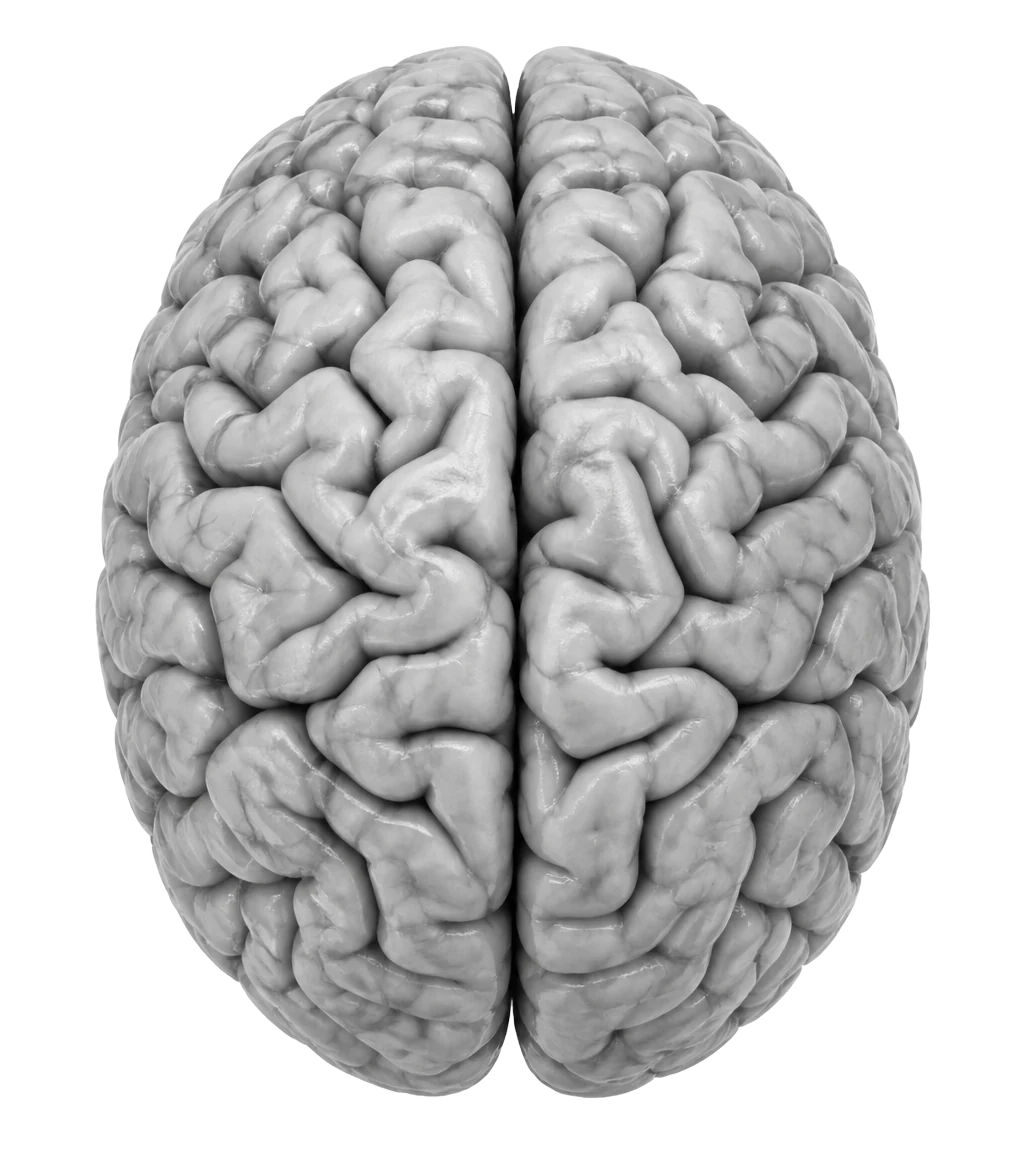
Live brain
This is how you think.
BrainSwitchs turns your canvases and pages into a 3D brain. It makes the invisible process of thinking visible, so you can see how you connect ideas and where your energy goes.
- Drag to turn it
- Switch hemispheres
- + / − to zoom
- Hover a neuron
This one uses sample work. Yours is built from your own canvases and pages.
How it helps
A mirror for your mind.
Most apps store your thoughts. The Live brain shows you the shape of them.
See your thinking
Notes in folders hide the pattern. The Live brain shows all of your work at once, so you can see what you've been thinking about and how it fits together.
Notice your balance
If the left side is packed and the right is quiet, you've been planning and not creating, or the other way round. You see it at a glance instead of finding out weeks later.
Find connections
Topics shared between projects become pathways. Ideas that belong together show up next to each other, even if you made them months apart.
Decide what's next
Big, busy neurons are where your energy goes. Quiet corners are what you've been neglecting. Both are useful when you plan your week.
Watch it grow
A scan is saved as you work. Compare this week with last week and see which side, and which ideas, you developed.
Inside the app
Your whole workspace, in one view.
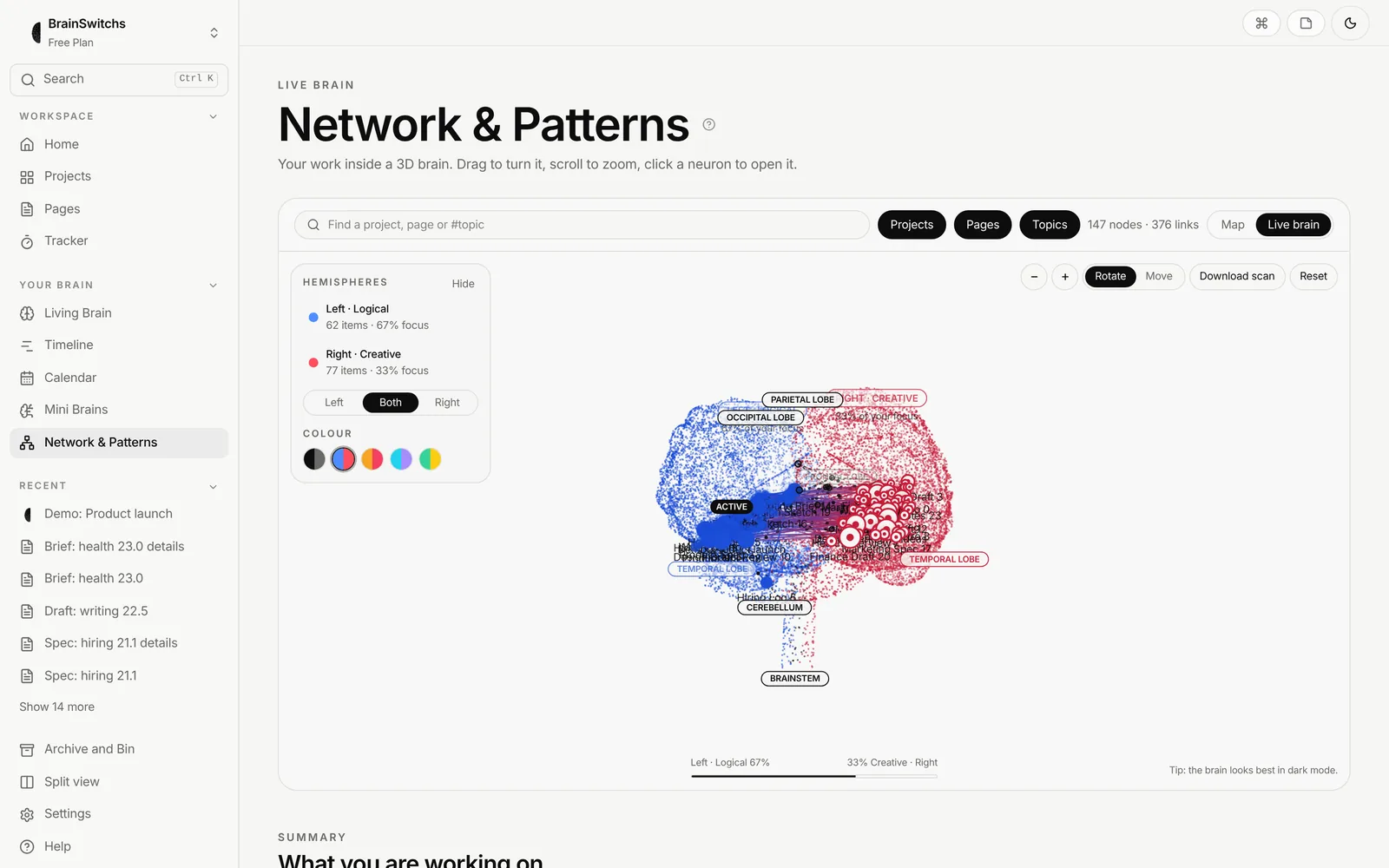
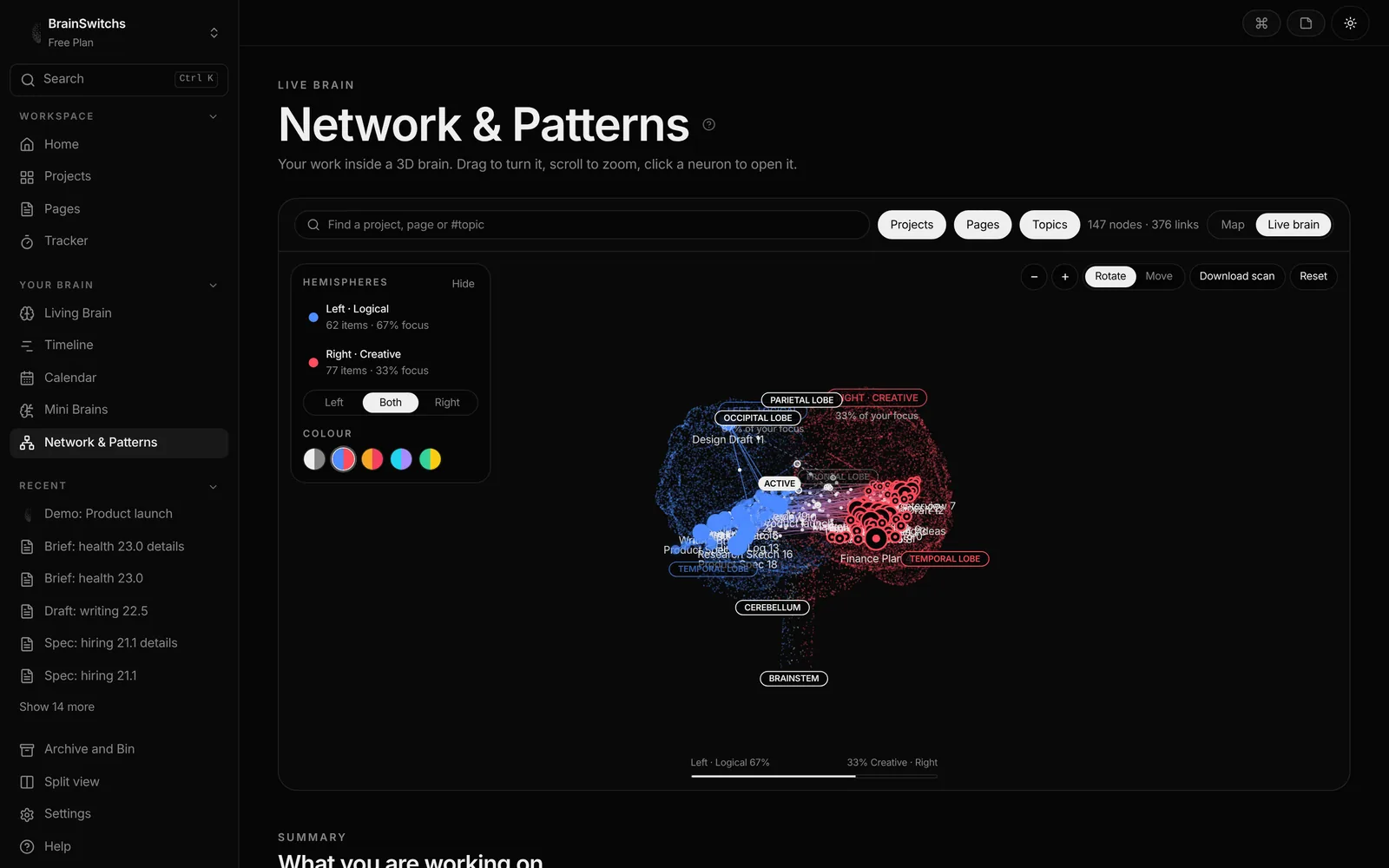
Open Network & Patterns and switch to Live brain. Filter by projects, pages or topics, search for anything, and pick the colours you like.
What you're looking at
Four parts, one picture.
Neurons
Each canvas and page is a neuron. Projects are the bigger ones.
Pathways
Links between your work, and topics you share, become pathways with signals moving along them.
Two hemispheres
Logical work sits on the left, creative work on the right. Shared topics sit along the middle.
Real anatomy
Frontal, parietal, temporal and occipital lobes, a cerebellum and a brainstem, each labelled.
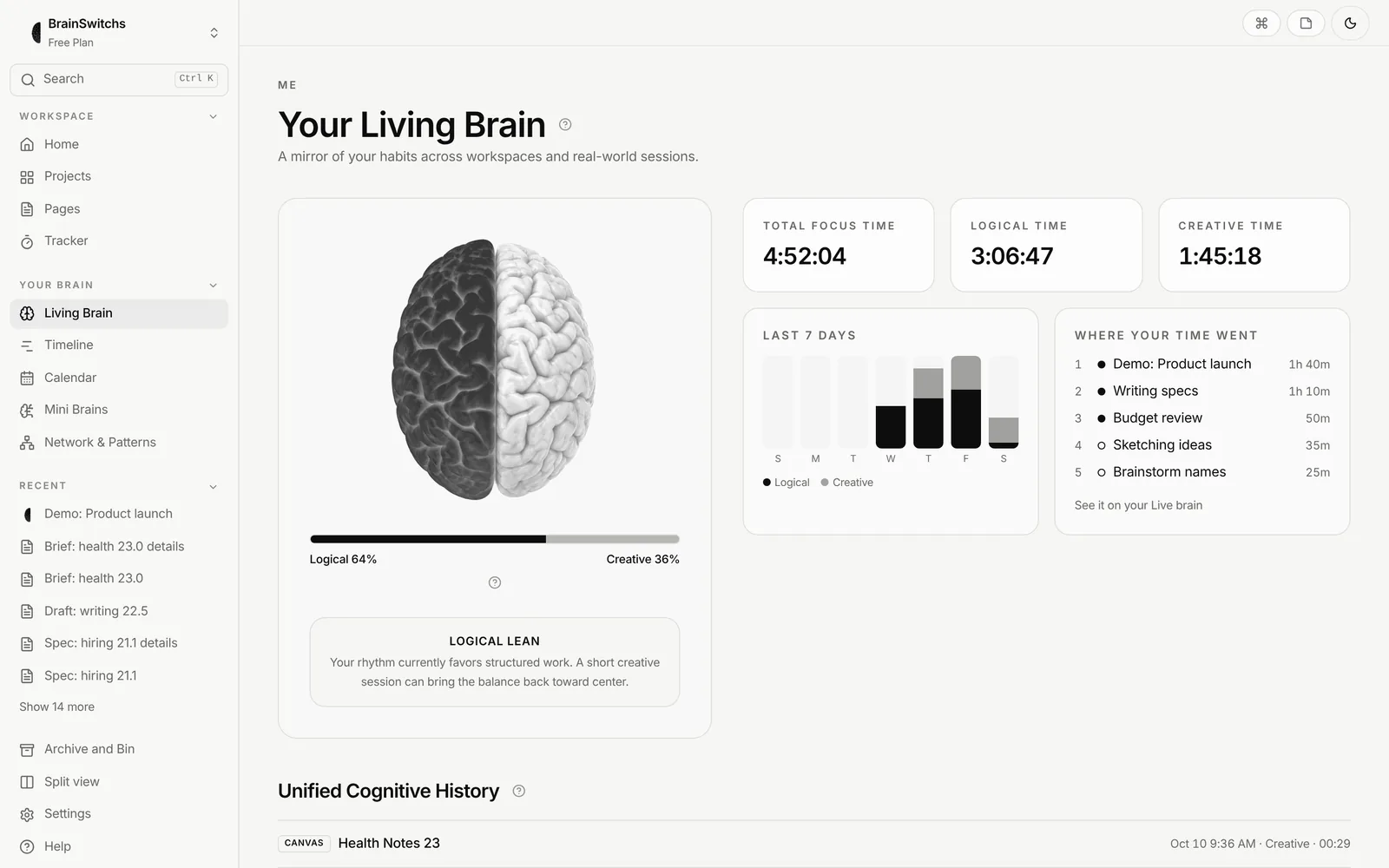
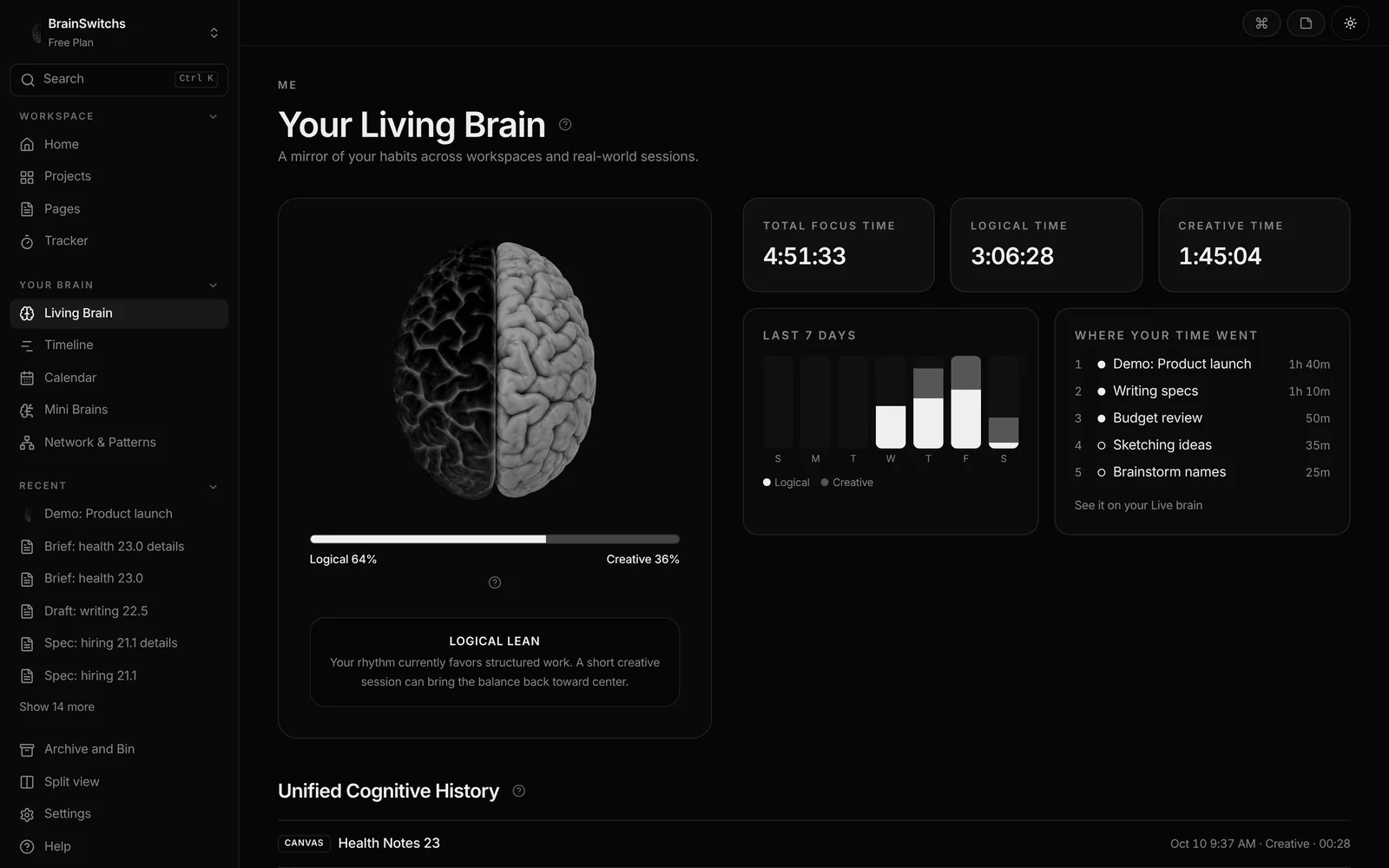
Your Living Brain
Each half brightens with the focused time you give it, with your totals and a short read of your balance.
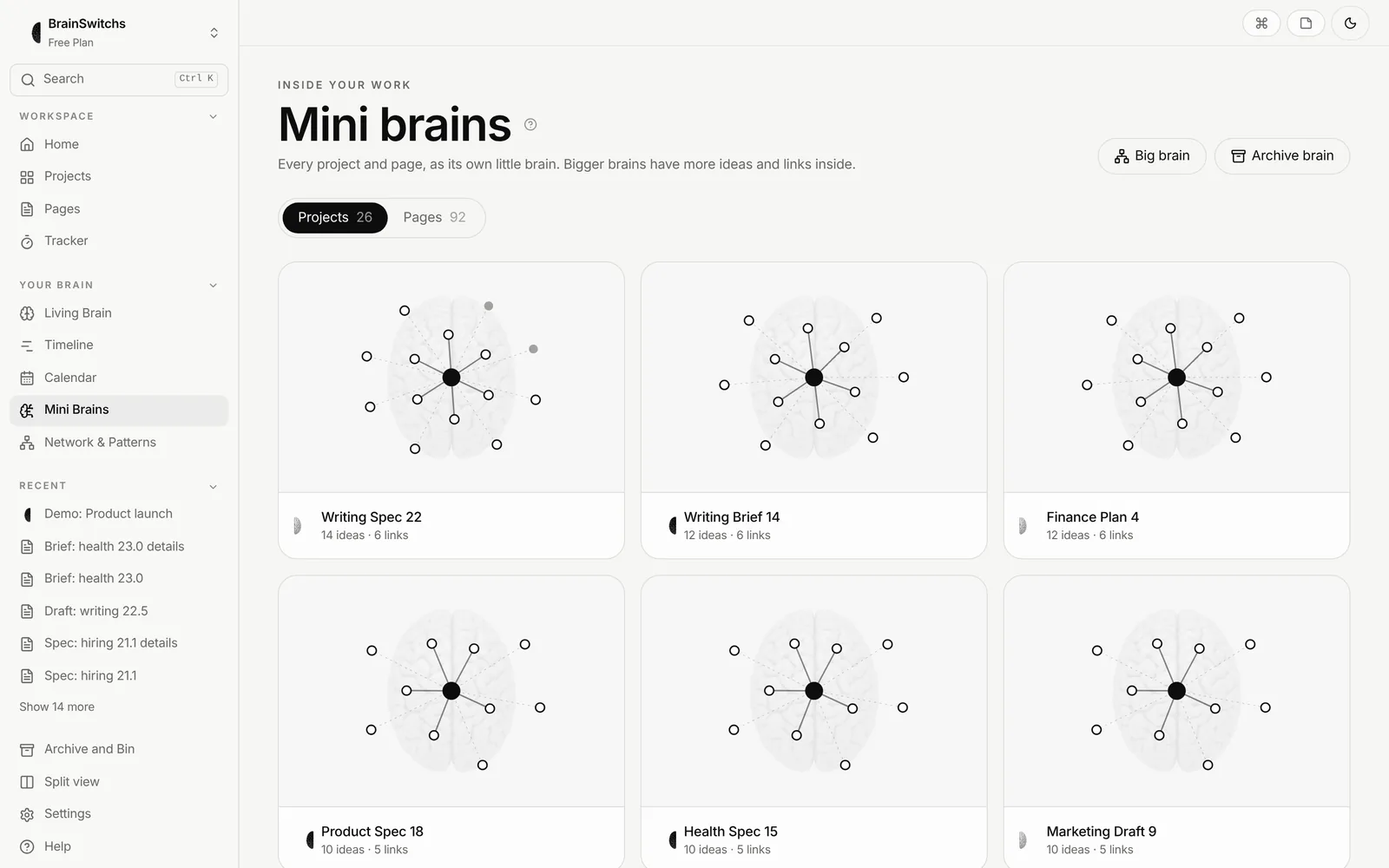
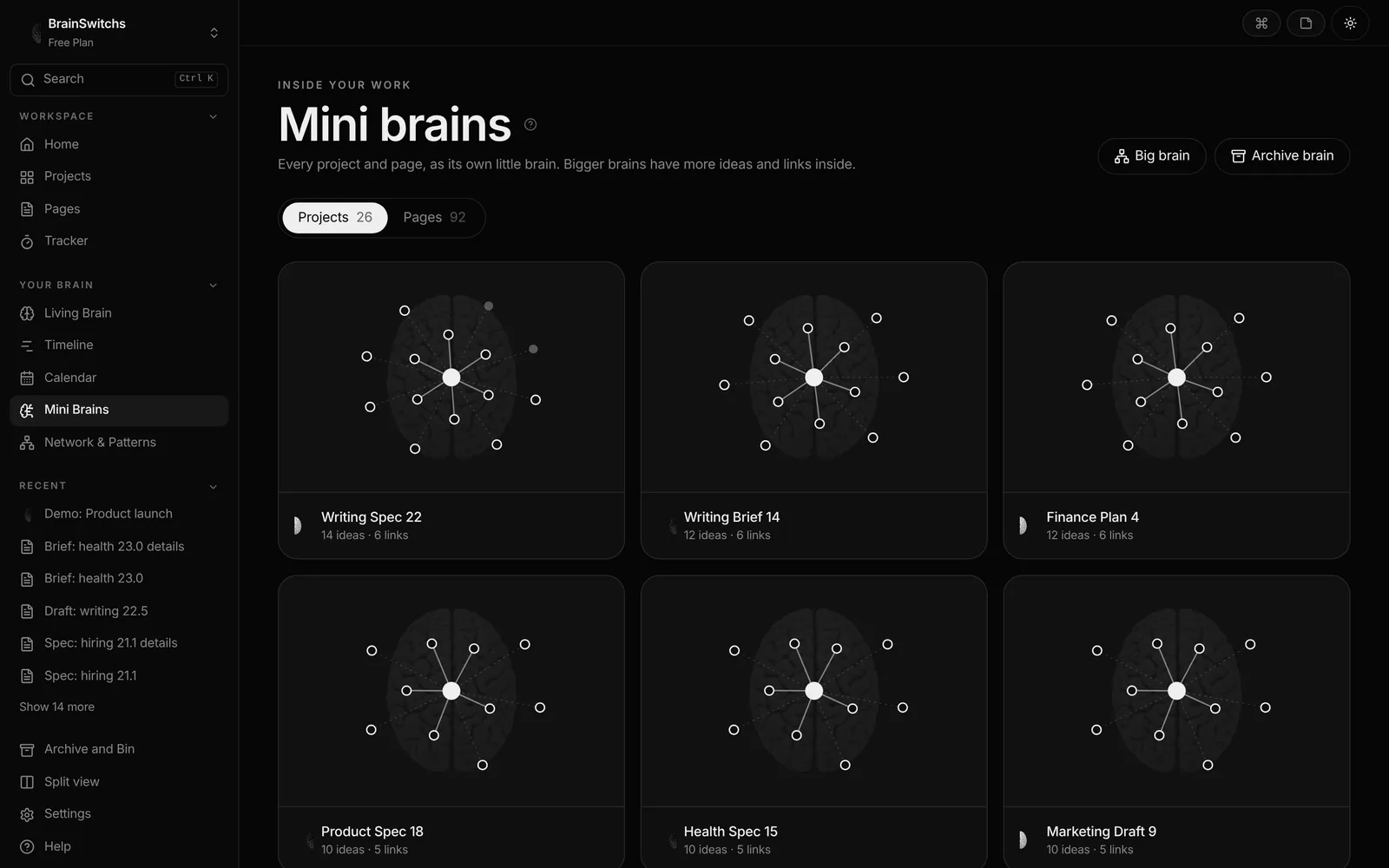
Mini brains
Every project and page gets its own small brain. Bigger brains have more ideas and links.
Weekly brain review
BrainSwitchs keeps a scan as you work. Look back a week and see which side you developed most, and which ideas grew new pathways.
Download your scan
Save an image of your brain from the app to keep, compare, or share with your team.
The Live brain describes your work, not your actual brain. Left and right are product metaphors for two working styles, not a scientific measurement.
Want to see how canvases, pages and pathways come together day to day?
Read how the app works