Early access
Join the waitlist.
BrainSwitchs is opening soon. Early access will roll out to a small group first, so we can learn, fix bugs and make the workspace better before opening it more widely.
Click here to join the waitlist- Canvas and pages
- Logical and creative modes
- Your Live brain
What's coming
One place to think, write and decide.
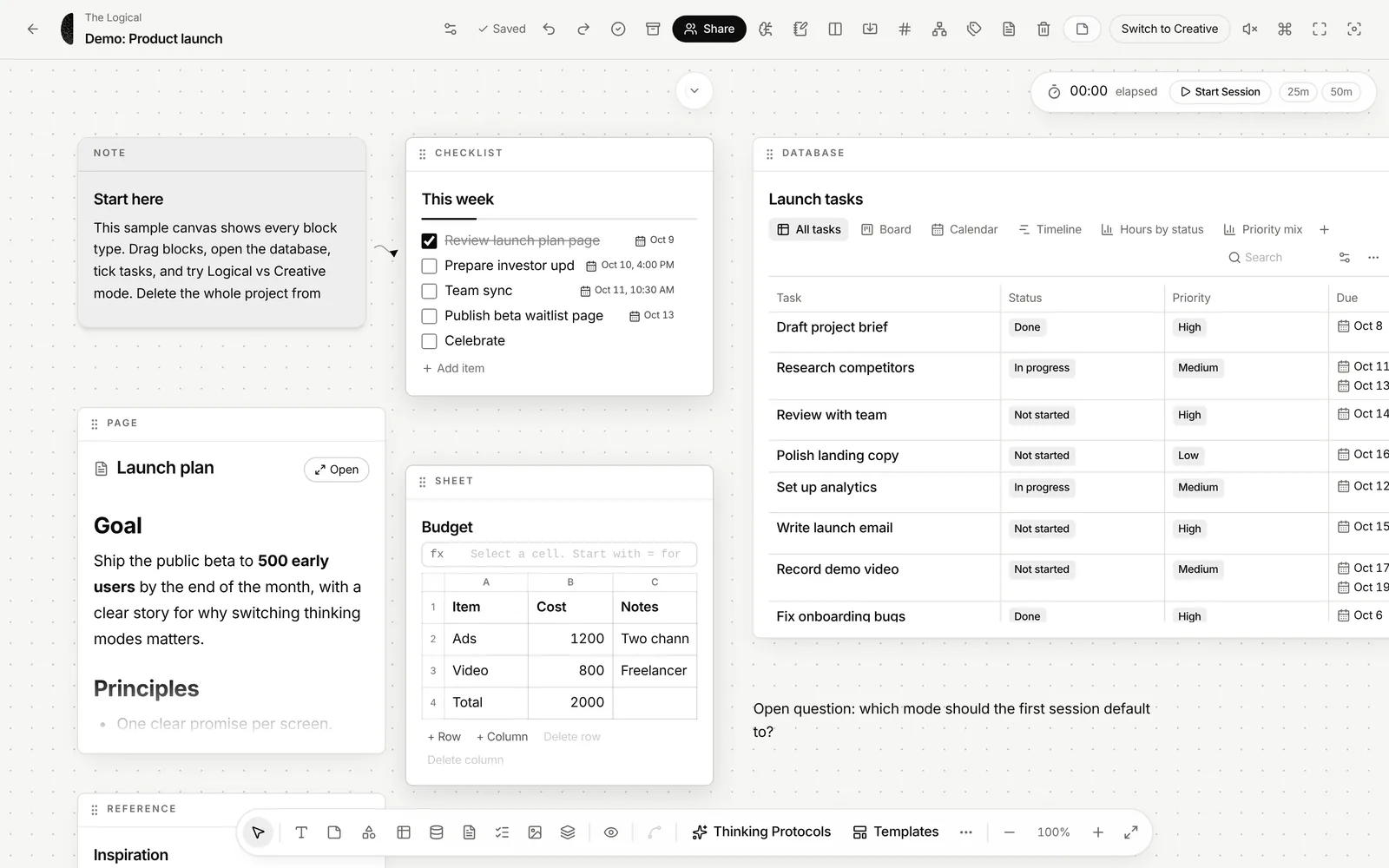
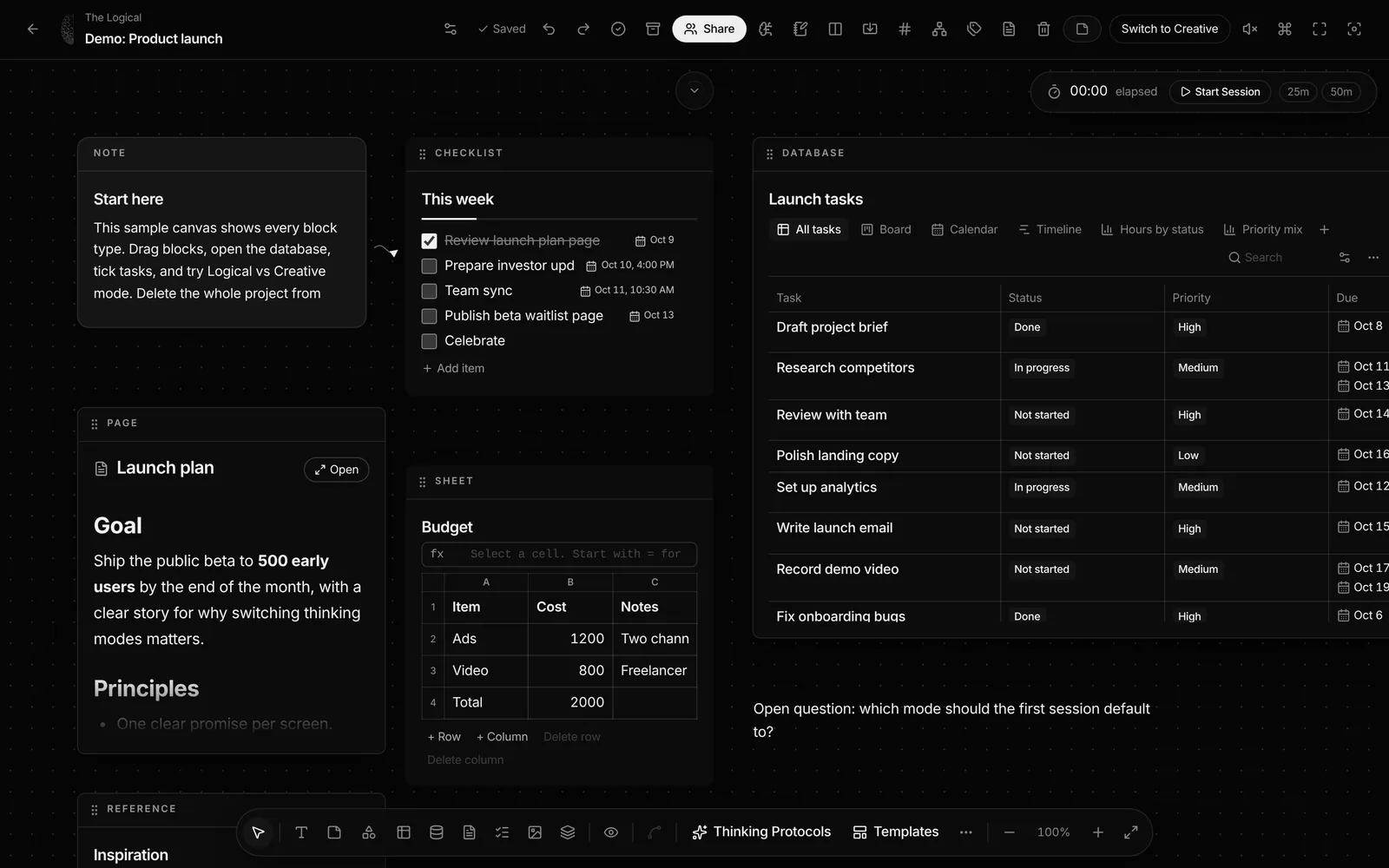
Here's what you get on day one. These are real screens from the app.
An infinite canvas
Notes, checklists, sheets, databases, images and embeds on one board. Connect them with arrows and group them in frames.
Pages that nest
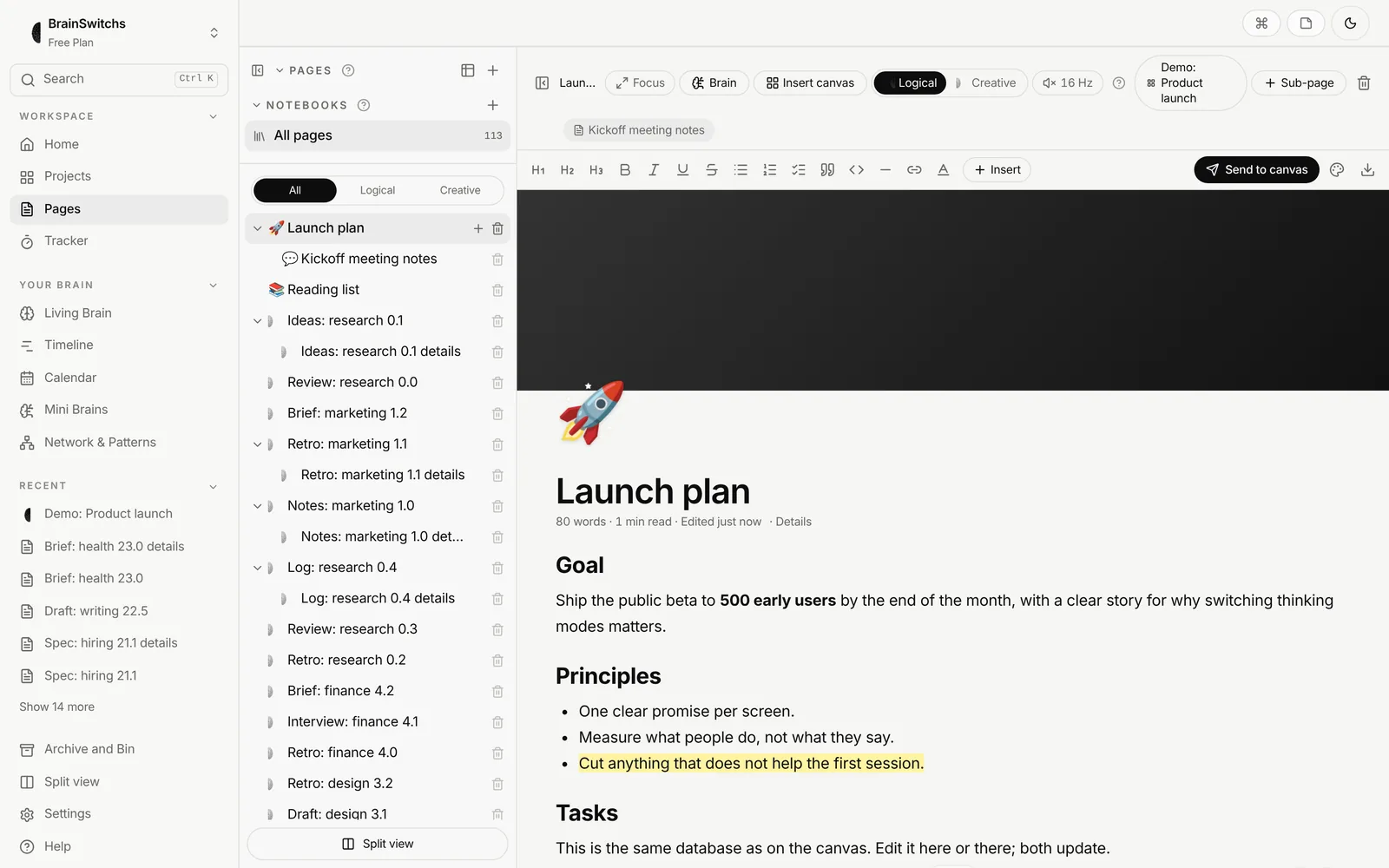
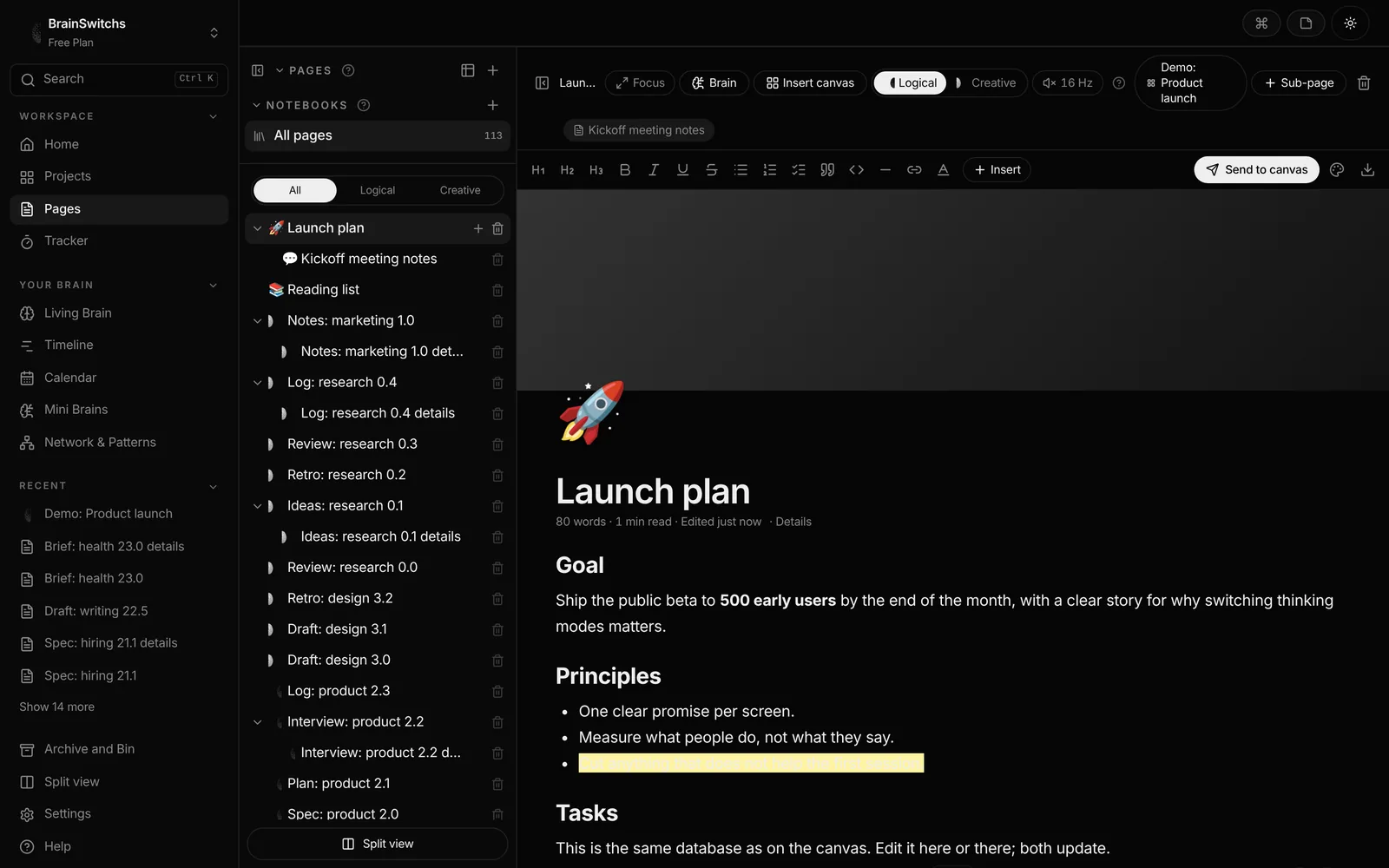
Write long-form in notebooks and drop a live canvas, database or chart right into the page.
Your Live brain
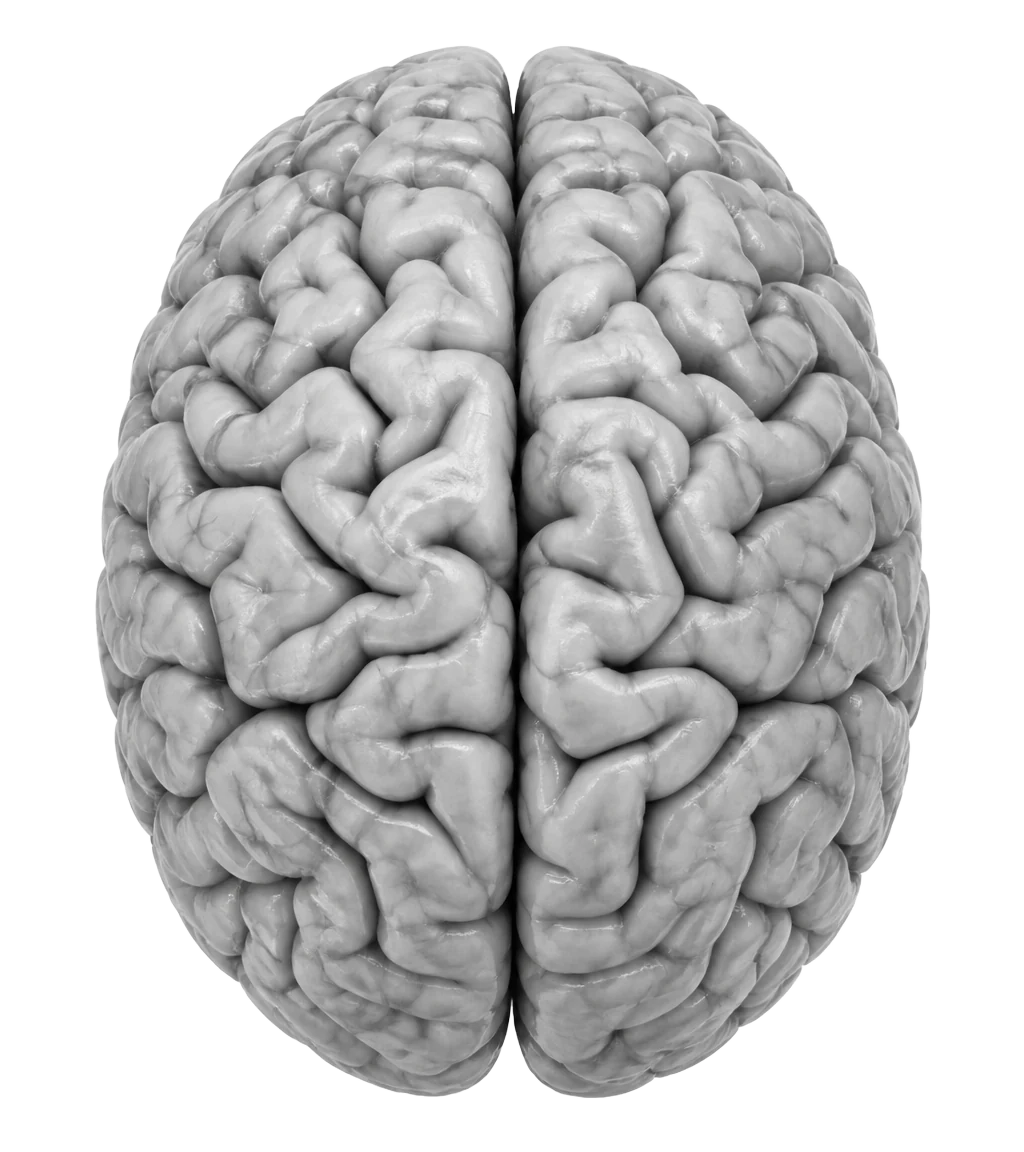
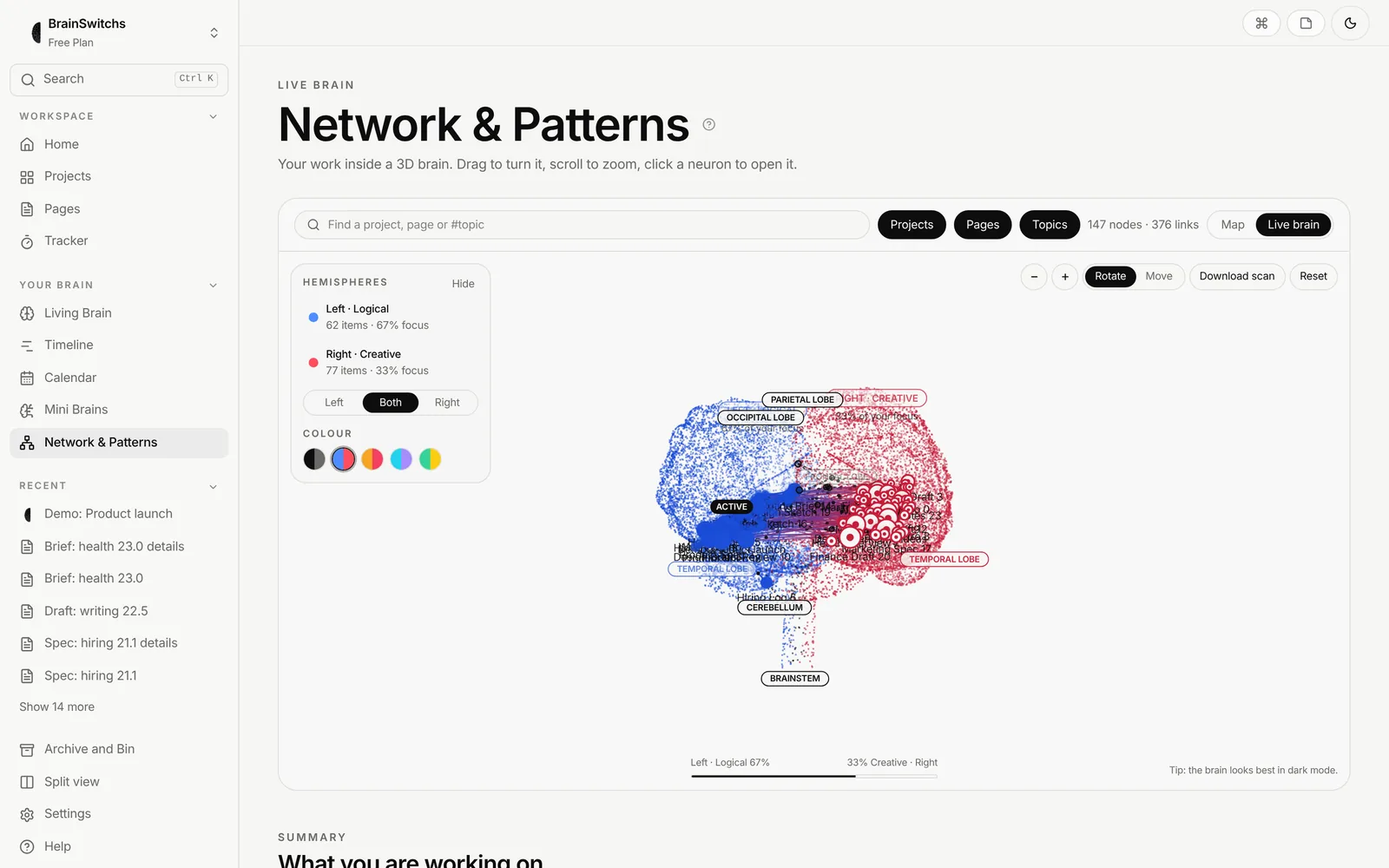
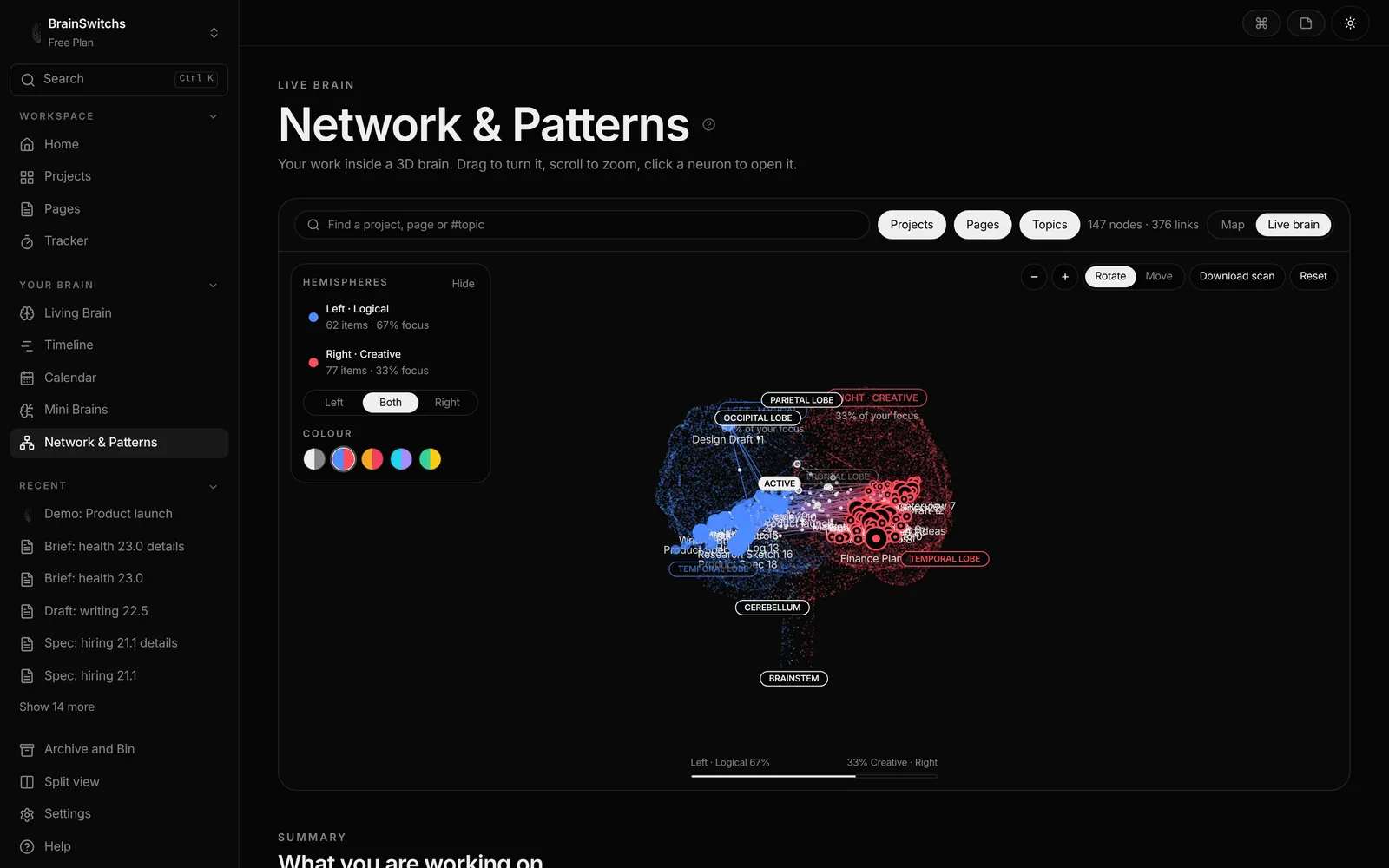
Your canvases and pages placed inside a 3D brain. Logical work on the left, creative on the right, links in between.
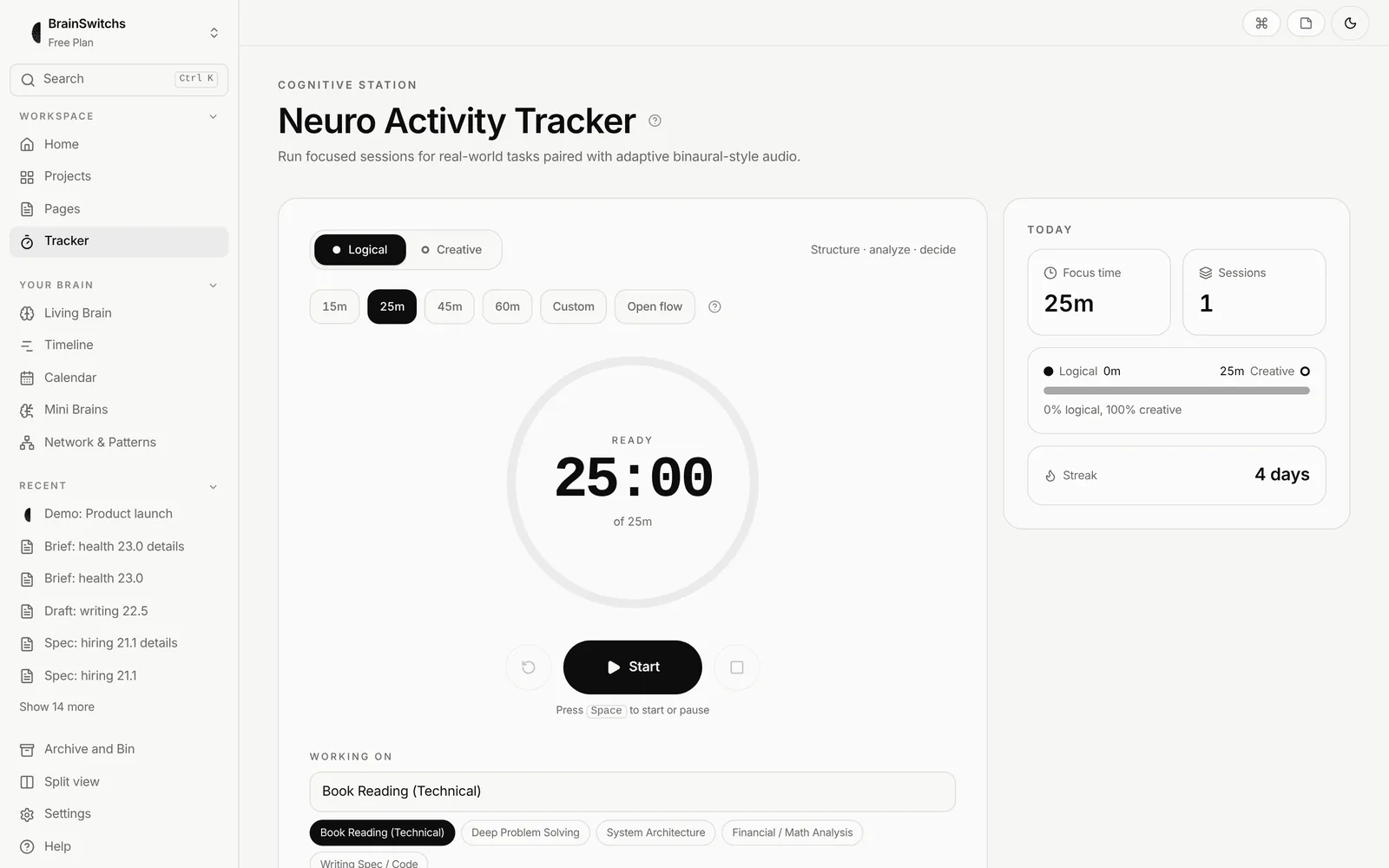
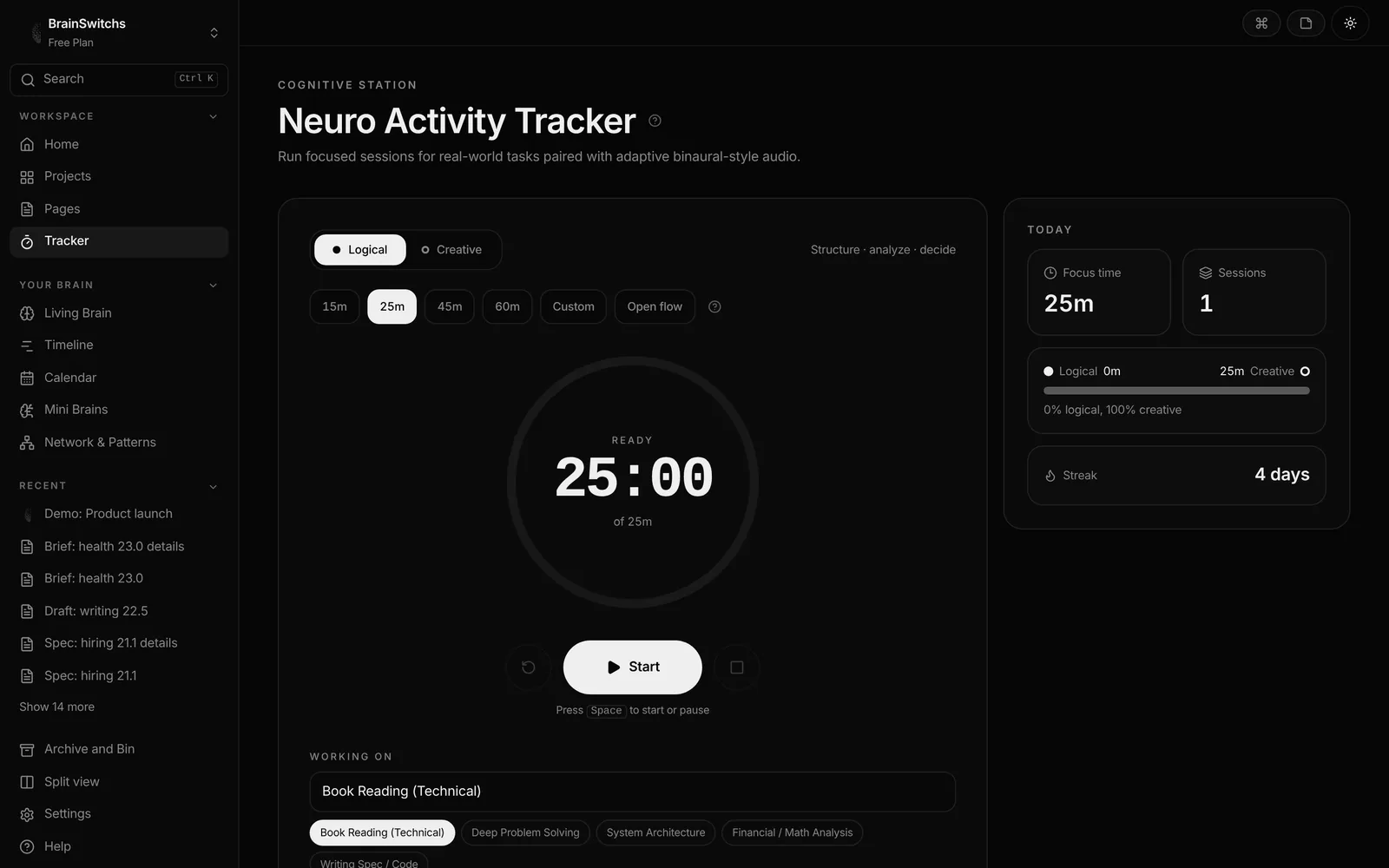
Focus Tracker
Time your sessions, on screen or off. Add a focus tone through headphones when you need to settle in.
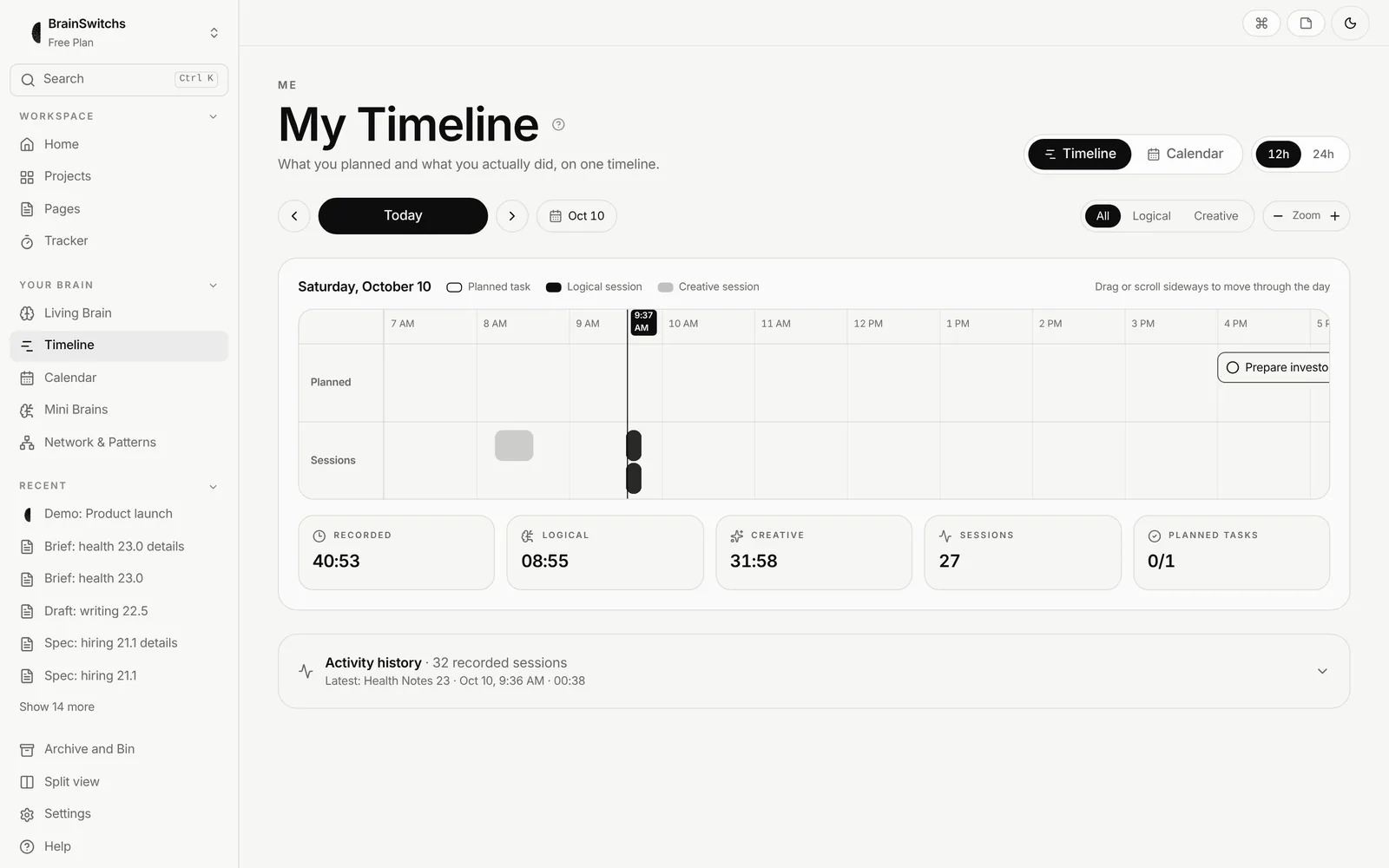
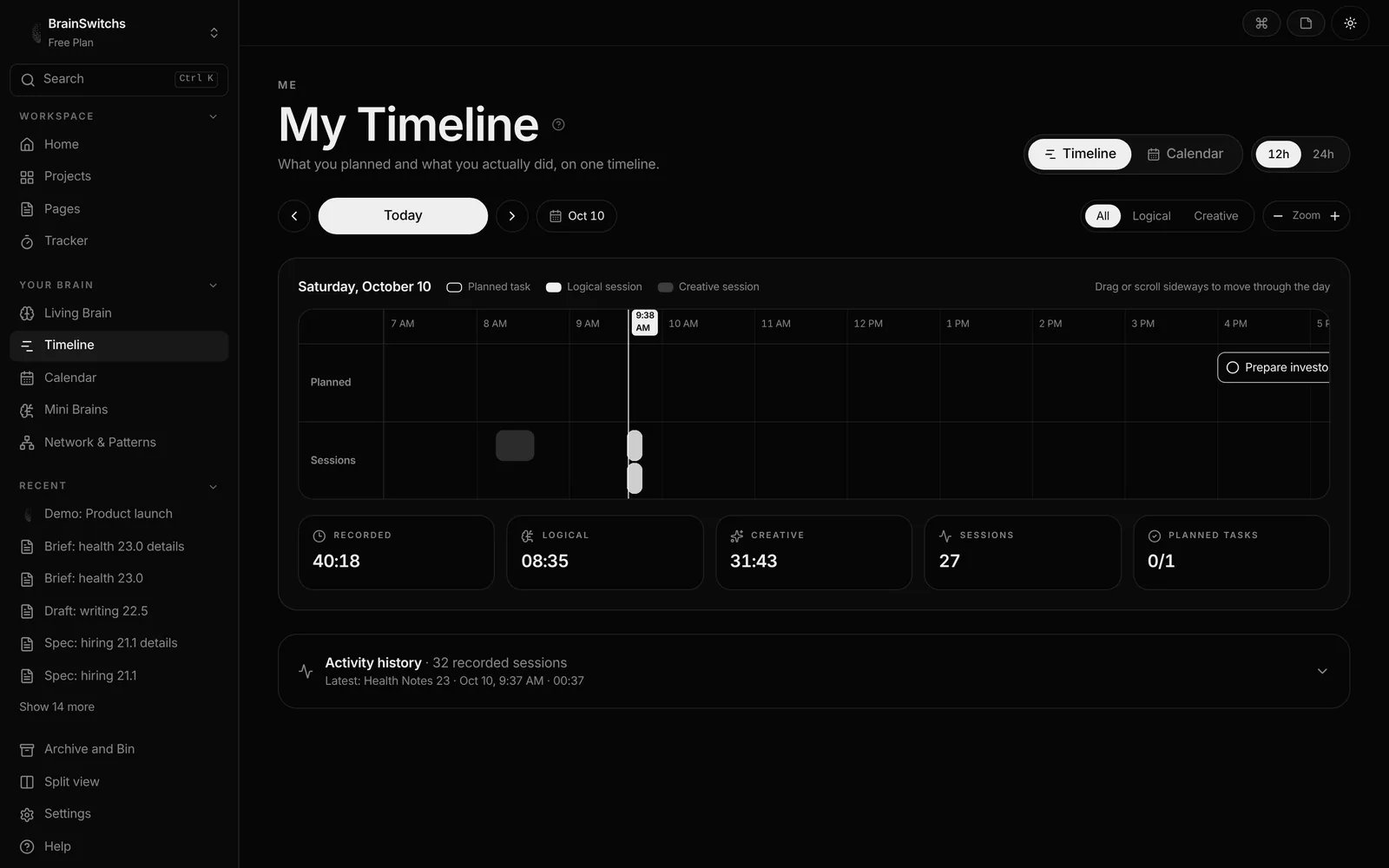
Timeline
Planned tasks next to the sessions you actually recorded, so you can see where your week went.
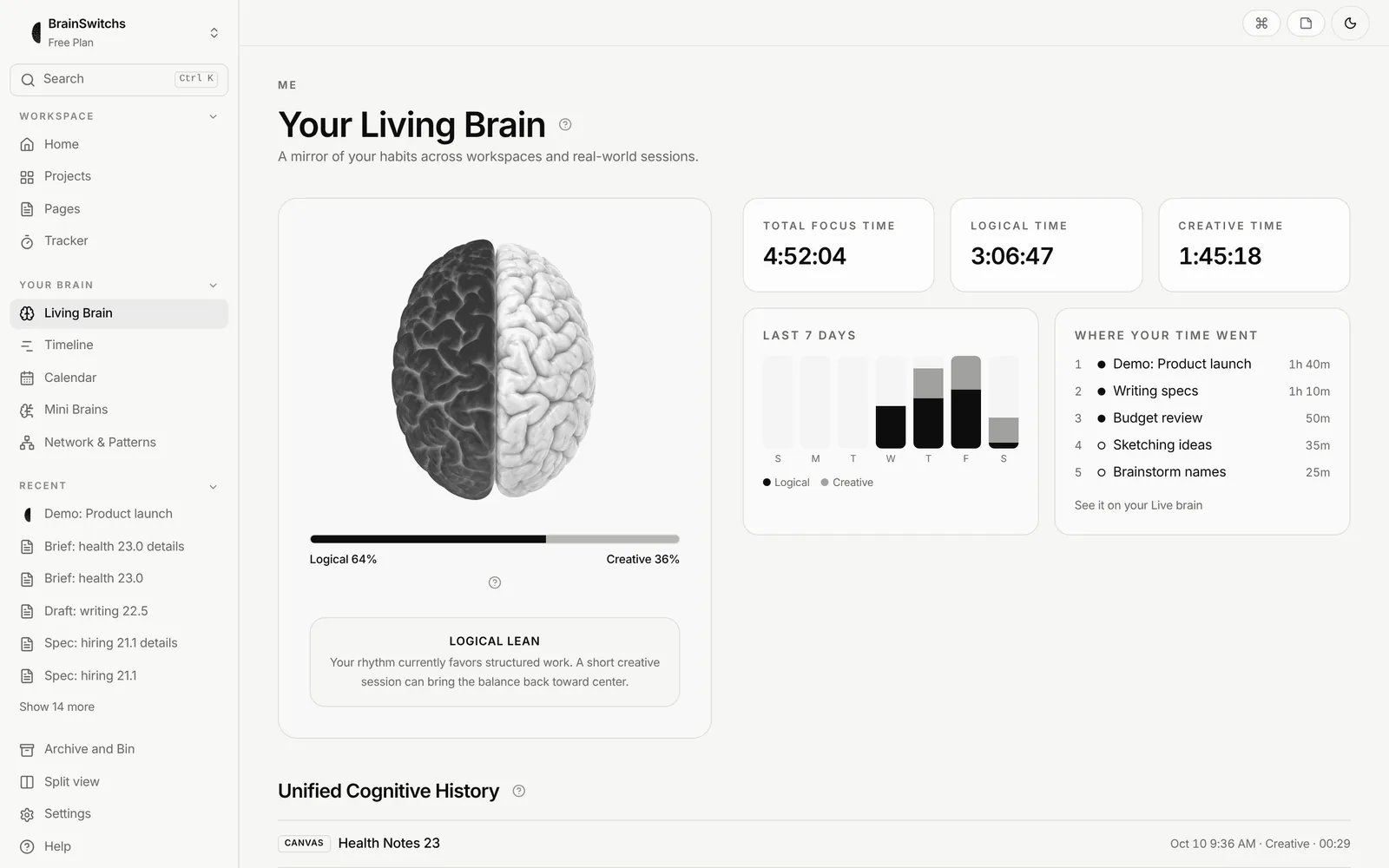
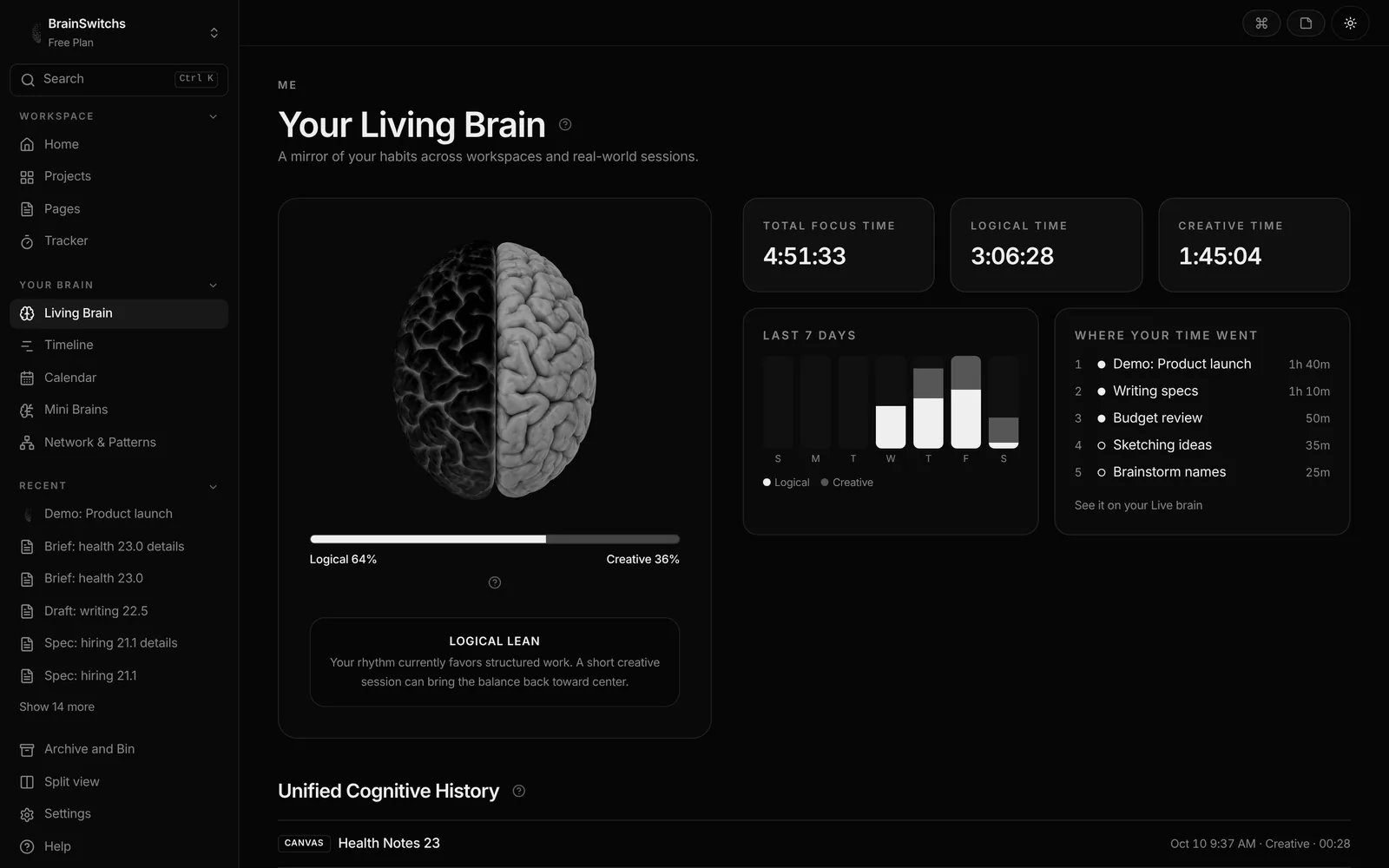
Living Brain
Each half brightens with the time you give it, so you can tell when you've been all planning and no making.
Try it now
This is how you think.
Drag to turn the brain. Yours will be built from your own work.
Thinking Protocols
First Principles, Inversion, 5 Whys and Lateral, laid out on your canvas.
Decision Gate
Every session ends with one decision or next step, stamped on the project.
Two modes
Pick logical or creative before you start, and the workspace adjusts.
Early access invites will go out in small groups as we improve the app.